
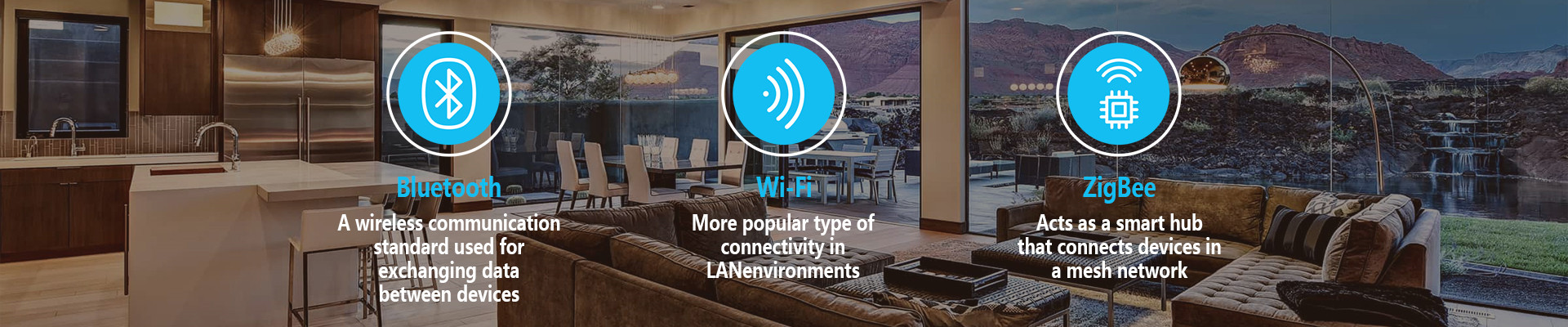
Zigbee is a wireless protocol designed specifically for low-data-rate, low-power applications like home automation. Unlike Wi-Fi (high power, high data rate) or Bluetooth (short-range, device pairing), Zigbee creates a mesh network where devices communicate with each other to extend coverage and reliability.
1. Network Architecture
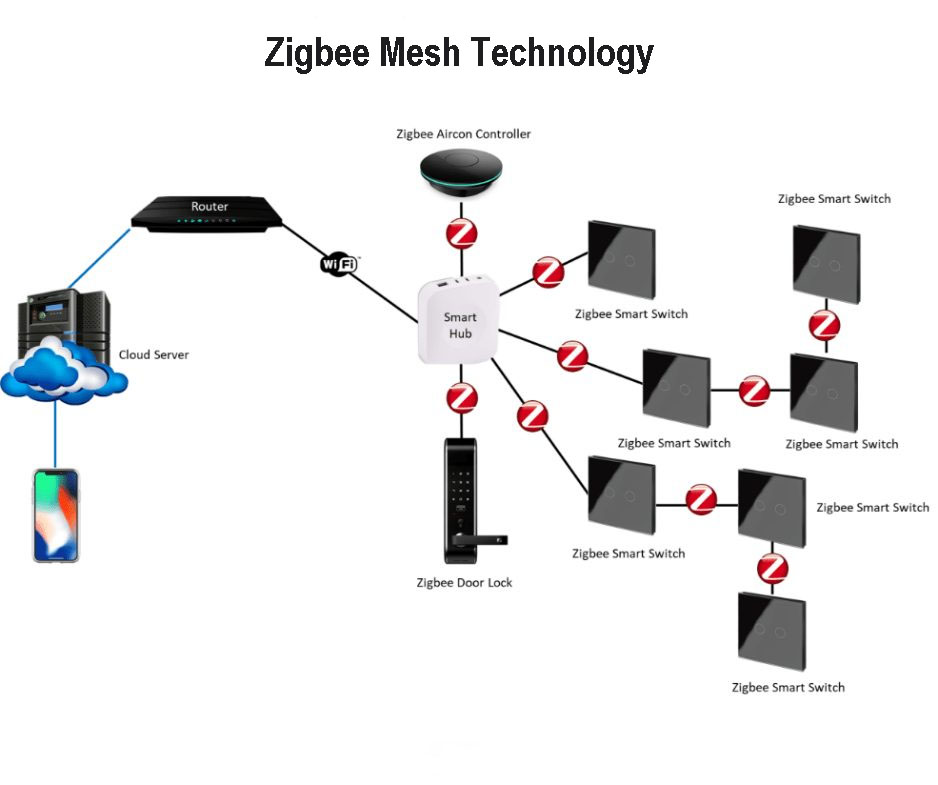
A Zigbee network consists of three device types:
| Device Type | Role & Function |
| Coordinator | The network brain – Exactly one per network. It starts the network, assigns addresses, and often acts as the bridge to your home router (e.g., Zigbee hub like Philips Hue Bridge, Samsung SmartThings Hub). |
| Router | The network extender – Passes signals along. Routers are always powered devices (like smart plugs, lights) that relay messages for other devices, creating the “mesh.” They extend network range and reliability. |
| End Device | The sensors/switches – Low-power, battery-operated devices (like door sensors, remotes). They sleep most of the time to conserve battery and communicate only with a parent Router or Coordinator. They do not relay messages for others. |
2. The Mesh Network in Action
This is Zigbee’s key advantage:
Self-Healing & Extended Range: Messages can hop through multiple Routers to reach the Coordinator. If one path is blocked, the network finds another route.
Example: A door sensor (End Device) in your garage might be out of direct range of the hub (Coordinator). It sends its signal to a nearby smart bulb (Router) in the hallway, which relays it to the hub.
3. Communication & Protocols
Frequency: Operates on the 2.4 GHz band globally (also 915 MHz in Americas, 868 MHz in Europe). The 2.4 GHz band allows for 16 channels, helping to avoid interference with Wi-Fi (which you can manage by configuring channels).
Standard: Built on the IEEE 802.15.4 standard for the physical and data link layers, but adds the network and application layers for full functionality.
Zigbee Clusters: Devices communicate using standardized Clusters. A cluster is a set of commands and attributes for a specific function (e.g., the OnOff cluster has commands like Toggle, On, Off). This ensures interoperability between different manufacturers’ devices.
4. Typical Workflow in Home Automation
Setup: You plug in a Zigbee hub (the Coordinator). It creates a personal area network (PAN).
Pairing (Commissioning): You put a new device (e.g., a light bulb) into pairing mode. The hub discovers it and adds it to the network, assigning it a unique address. This process is often called ”Zigbee Binding.”
Communication:
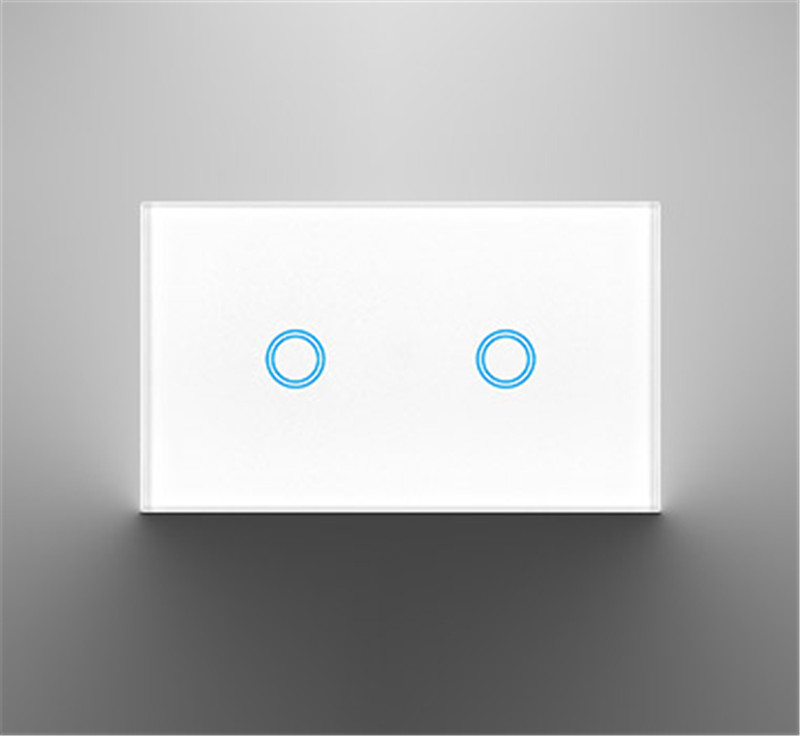
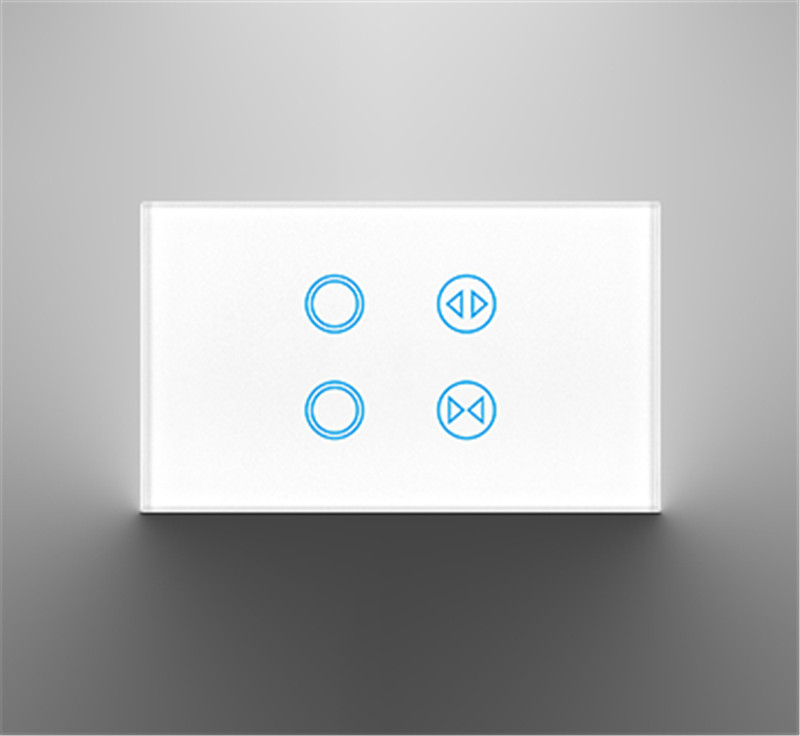
Direct Control: You tap a smart switch (End Device). It sends a wireless command via the mesh to a specific smart light (Router).
Automation via Hub: A motion sensor (End Device) detects movement and sends a signal through the mesh to the hub. The hub’s software (or your connected app like Home Assistant) triggers a predefined rule: “If motion detected after sunset, turn on hallway lights.” It then sends the command back through the mesh to the target light.
Reliability: If the smart plug acting as a Router is unplugged, the network automatically reroutes communications through other nearby Routers.
5. Key Advantages for Home Automation
Low Power Consumption: End devices can run on batteries for years.
High Reliability & Range: The mesh network is robust and covers large homes effectively.
Low Latency: Fast response times (typically ~30ms), crucial for lighting controls.
Interoperability: The Zigbee Alliance (now Connectivity Standards Alliance, CSA) certifies devices to work together under profiles like Zigbee Home Automation (ZHA).
Scalability: A single network can support 65,000+ devices.
6. Common Zigbee Devices in a Smart Home
| Device | Typical Role | Powered By |
| Smart Hub/Bridge | Coordinator | Wall Outlet |
| Smart Plugs, Lights | Router | Wall Outlet |
| Smart Locks, Thermostats | Router | Battery or Outlet |
| Door/Window Sensors | End Device | Battery |
| Remote Controls | End Device | Battery |
| Temperature Sensors | End Device | Battery |
7. Important Considerations
The Hub is Mandatory: You need a Zigbee coordinator (a dedicated hub or USB dongle) to manage the network. It’s not like Wi-Fi where your router handles everything.
Interoperability Isn’t Perfect: While certification helps, some vendor-specific features (like Philips Hue’s smooth dimming) may require their own hub. Using a universal hub (e.g., from SmartThings or Home Assistant with a Zigbee dongle) maximizes cross-vendor compatibility.
Interference: Since it uses 2.4 GHz, it can conflict with Wi-Fi. Best practice is to set your Zigbee channel to Channel 25 and your Wi-Fi to a non-overlapping channel (e.g., 1, 6, or 11).
Zigbee 3.0: This is the current unified standard, merging earlier application profiles to ensure all certified Zigbee 3.0 devices work together seamlessly.
Conclusion
Zigbee works by creating an intelligent, low-power mesh network where devices talk to each other to relay commands back to a central hub. This design makes it exceptionally reliable, scalable, and energy-efficient—ideal for a home filled with dozens of sensors, switches, and smart appliances that need to work together seamlessly for years without constant battery changes.
Post time: Jan-29-2026


