
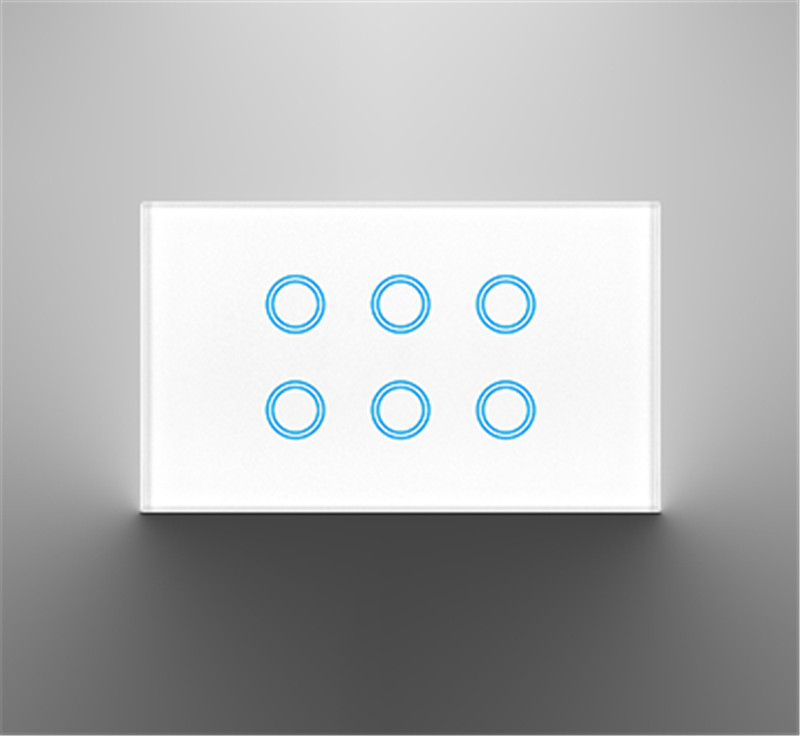
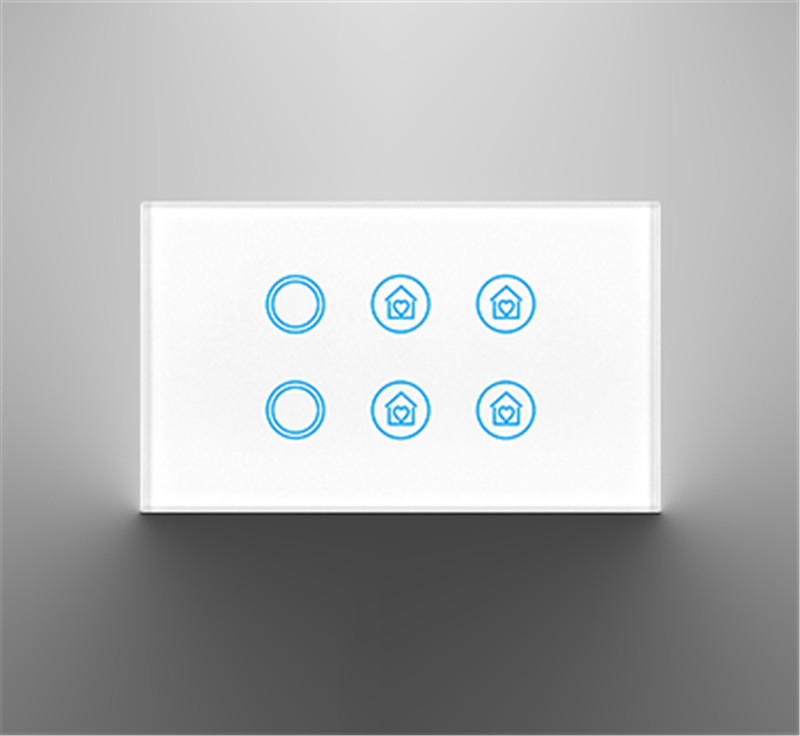
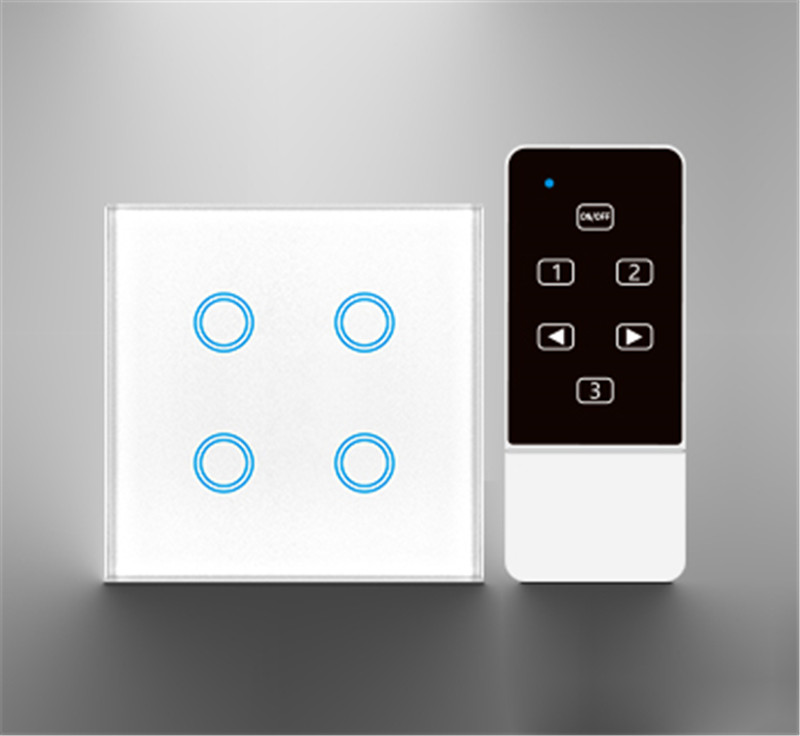
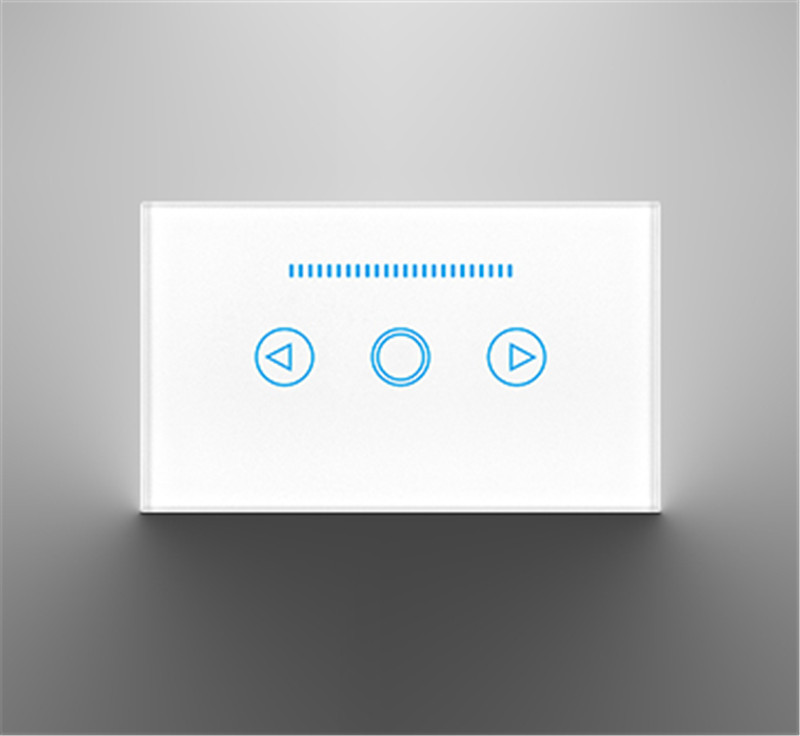
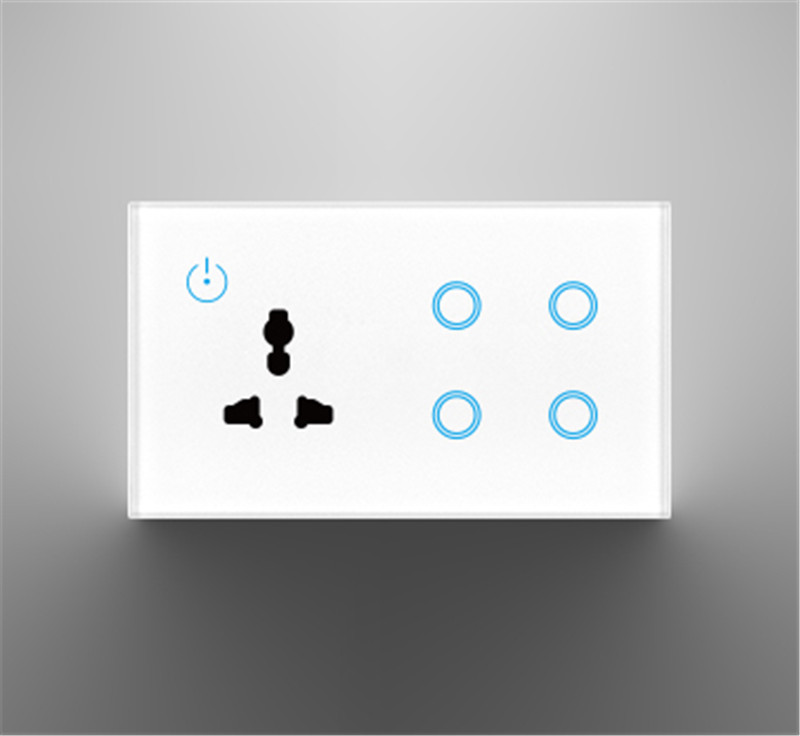

The short answer is that these aren’t really two comparable things. “Tuya Home Assistant” generally refers to using software to control Tuya devices within the Home Assistant platform. In contrast, a “Tuya Zigbee Hub” is a specific piece of hardware that acts as the central brain for your Tuya Zigbee devices.
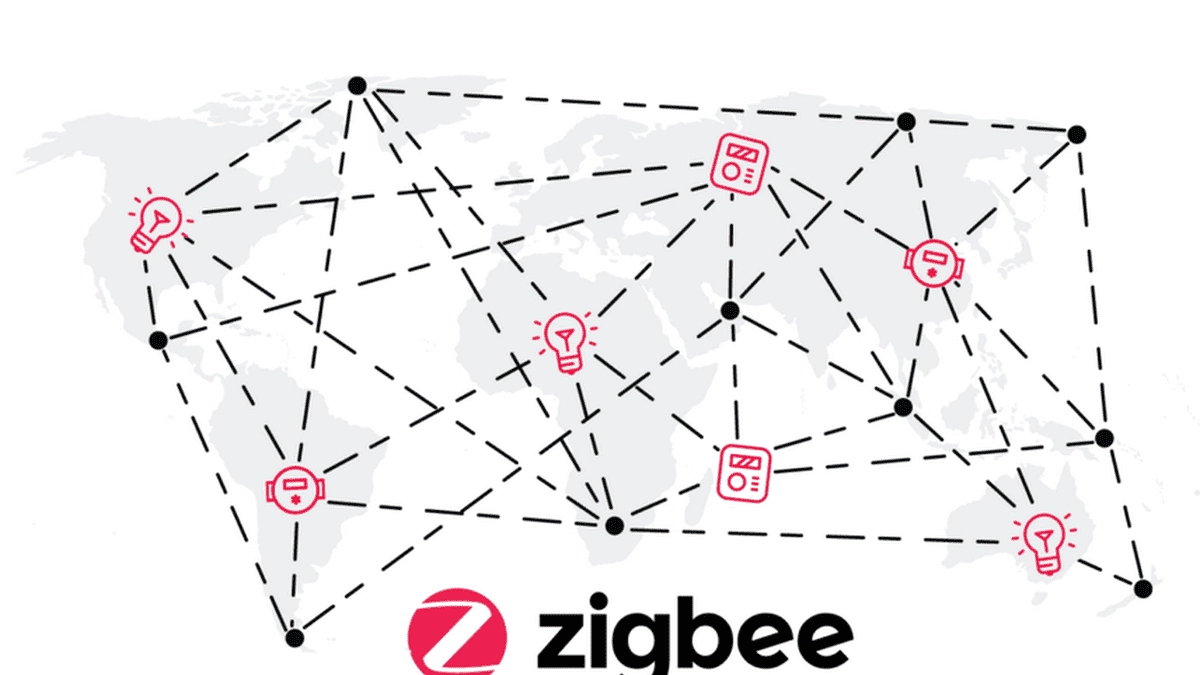
To understand the real difference, it’s helpful to look at the two main ways you can set up your system:
Approach 1: Using a Tuya Zigbee Hub with Home Assistant
This is the simpler, more “out-of-the-box” path for someone already using Tuya’s ecosystem.
What it is: You keep using your official Tuya Zigbee Hub as the main connection point for your Tuya Zigbee devices (like sensors, switches, and bulbs). You then connect this hub to Home Assistant using the official Tuya cloud integration.
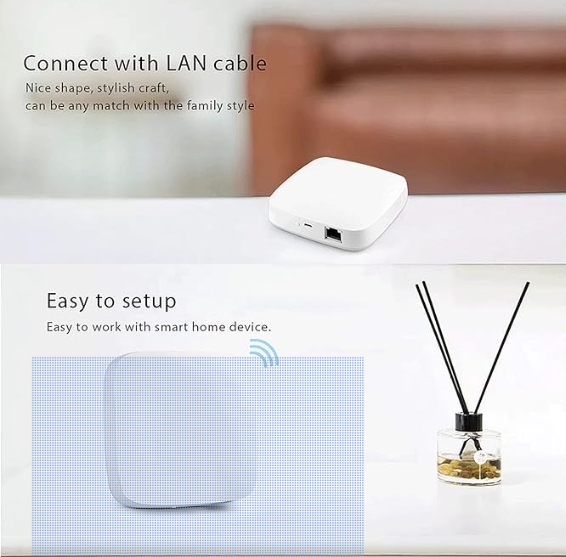
Device Compatibility: The hub is generally limited to Tuya Zigbee devices.
Control & Privacy: Control is primarily cloud-based. Your device commands and data are routed through Tuya’s cloud servers. This means an internet outage could disrupt your automations.
Setup: This method is generally considered easier and more straightforward for beginners.
Advanced Features: Using the official Tuya hub can unlock extra device settings that aren’t available through other methods. For example, you might be able to configure how a Tuya Zigbee light behaves after a power outage (e.g., turn on or stay off), or get full functionality from devices like Zigbee door locks.
Local Automation: Some Tuya Zigbee hubs can store and run very basic, pre-defined automations locally on the hub itself, meaning they can function even without an internet connection or Home Assistant. However, these automations are quite simple (e.g., “turn on at 5 AM”).
Approach 2: Using Home Assistant with a Generic Zigbee Coordinator (ZHA or Zigbee2MQTT)
This is the more flexible, powerful, and privacy-focused approach for advanced users.
What it is: You replace the Tuya hub entirely. Instead, you connect a generic, compatible Zigbee USB stick (often called a “coordinator”) directly to your Home Assistant device (like a Raspberry Pi or a dedicated home server). Home Assistant then uses a built-in integration like ZHA (Zigbee Home Automation) or the popular add-on Zigbee2MQTT (Z2M) to manage your Zigbee network.
Device Compatibility: This is a major advantage. A generic Zigbee coordinator is not limited to Tuya devices. It can work with Zigbee devices from a huge range of brands, including Aqara, Ikea, Philips Hue, and many more.
Control & Privacy: This setup offers full local control. Your devices communicate directly with Home Assistant without needing to go through the cloud. This makes your system faster, more reliable, and more private.
Setup: This approach is more complex and has a steeper learning curve. It requires more research to ensure your devices and Zigbee stick are compatible.
Advanced Features: While you might lose some Tuya-specific settings, you gain immense power and flexibility. Home Assistant can create incredibly complex automations that are only limited by your imagination.
Local Automation: All automations are run locally on your Home Assistant system, meaning it needs to be powered on 24/7 to function

Summary Comparison
| Feature | Tuya Zigbee Hub | Home Assistant with Zigbee Coordinator |
| Primary Role | Dedicated Hardware Hub | Software Platform (with USB dongle) |
| Device Compatibility | Limited to Tuya Zigbee devices | Works with many brands (Tuya, Ikea, Hue, etc.) |
| Control Method | Primarily Cloud-Based | Fully Local |
| Setup Complexity | Easier, more straightforward | More complex, requires research |
| Key Advantage | Simplicity & extra features for Tuya devices | Flexibility, privacy, & multi-brand support |
| Local Automations | Very basic, pre-defined schedules | Highly advanced and customizable |
The Bottom Line
Choosing between these approaches depends on your priorities:
Choose the Tuya Hub path if you value simplicity, are heavily invested in the Tuya ecosystem, want some extra features for specific Tuya devices, and prefer a setup that “just works”.
Choose the Home Assistant with a Zigbee Coordinator path if you prioritize privacy, local control, the ability to mix and match devices from different brands, and want the ultimate flexibility and power for your automations.
Post time: Jun-24-2026


