
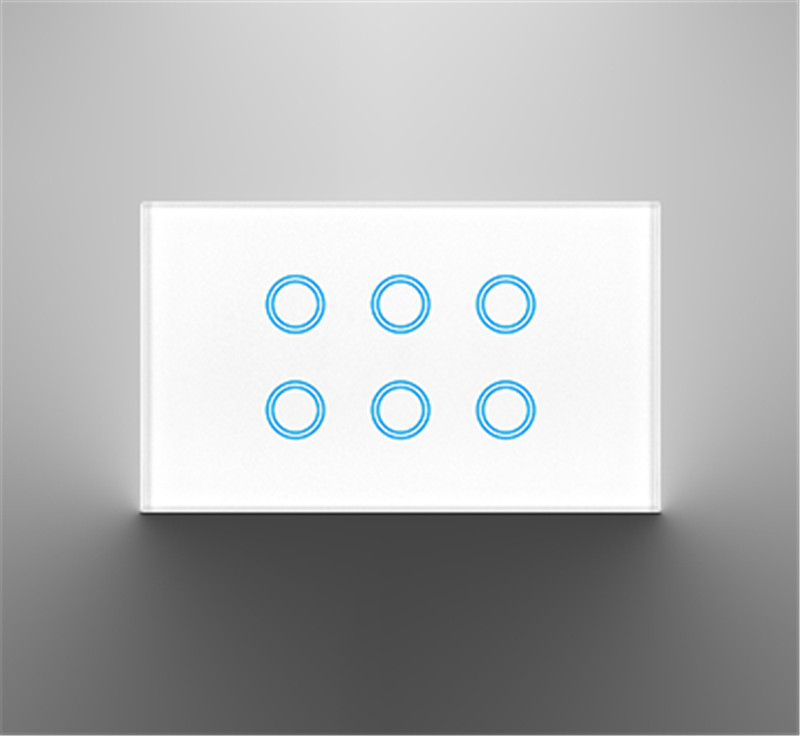
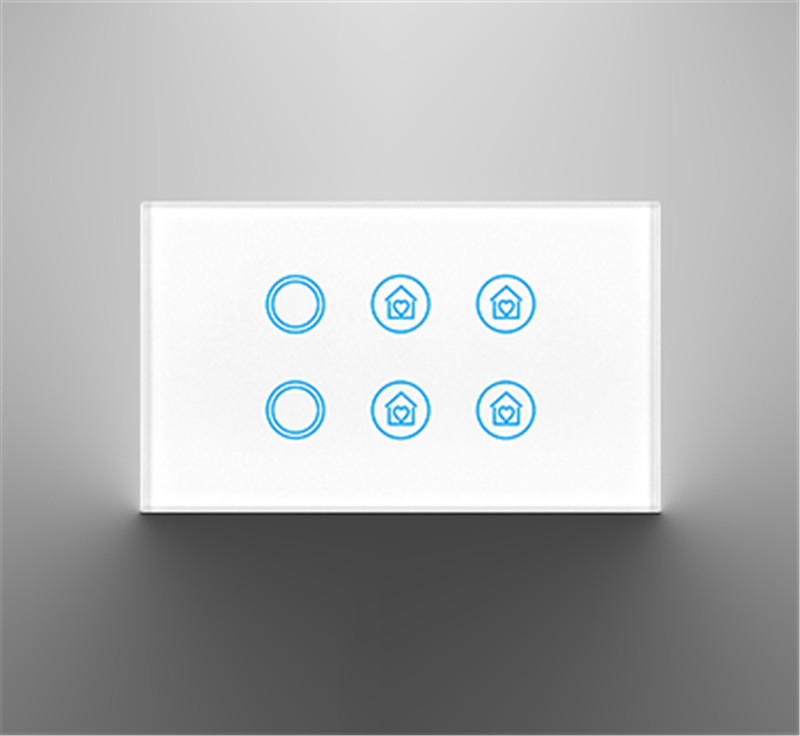
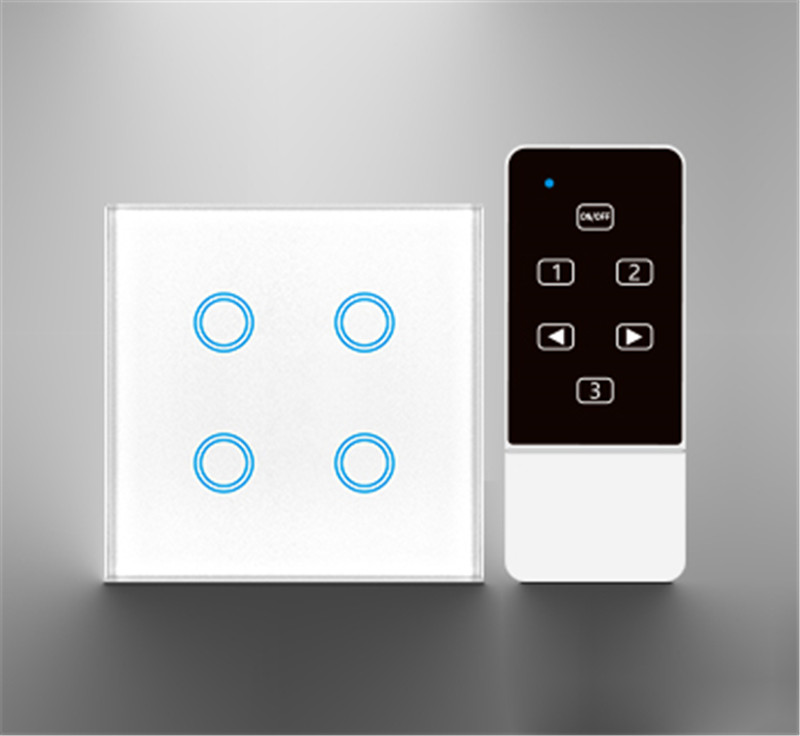
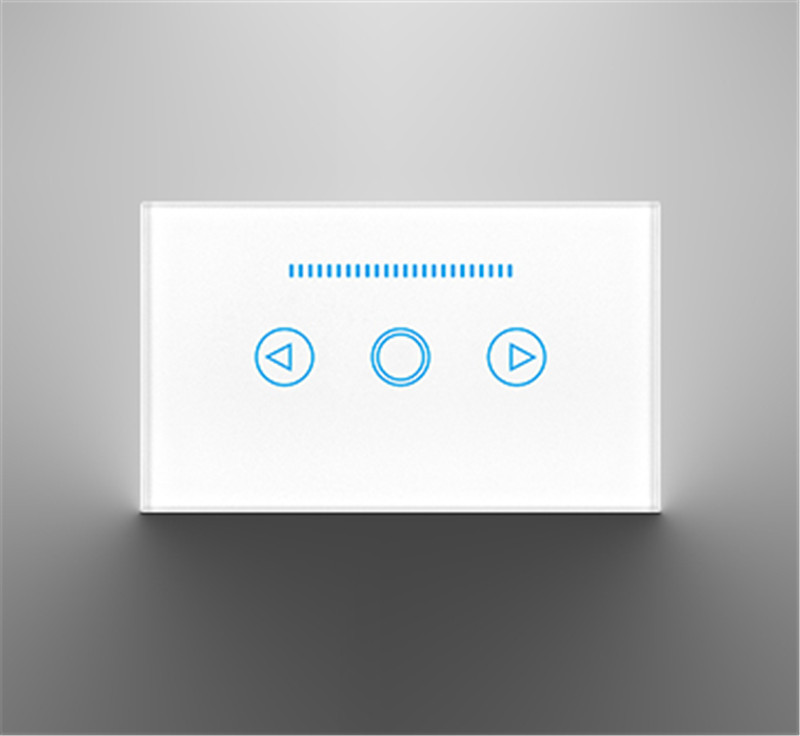
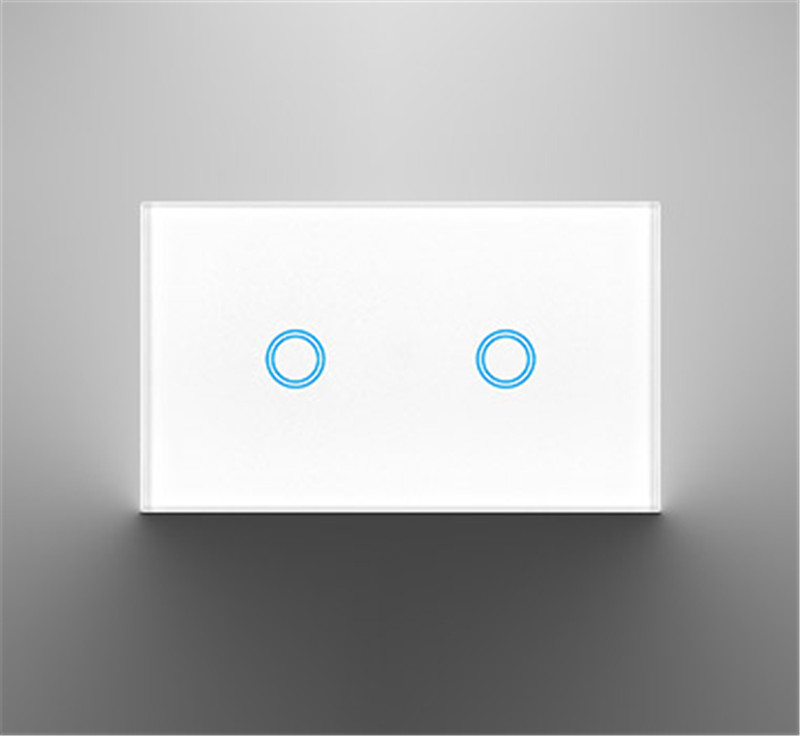
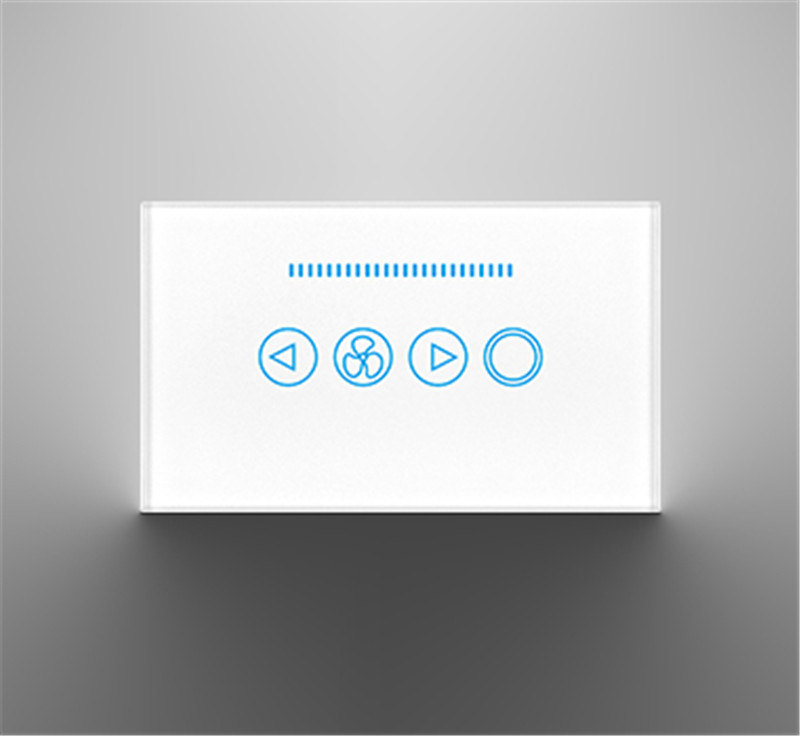
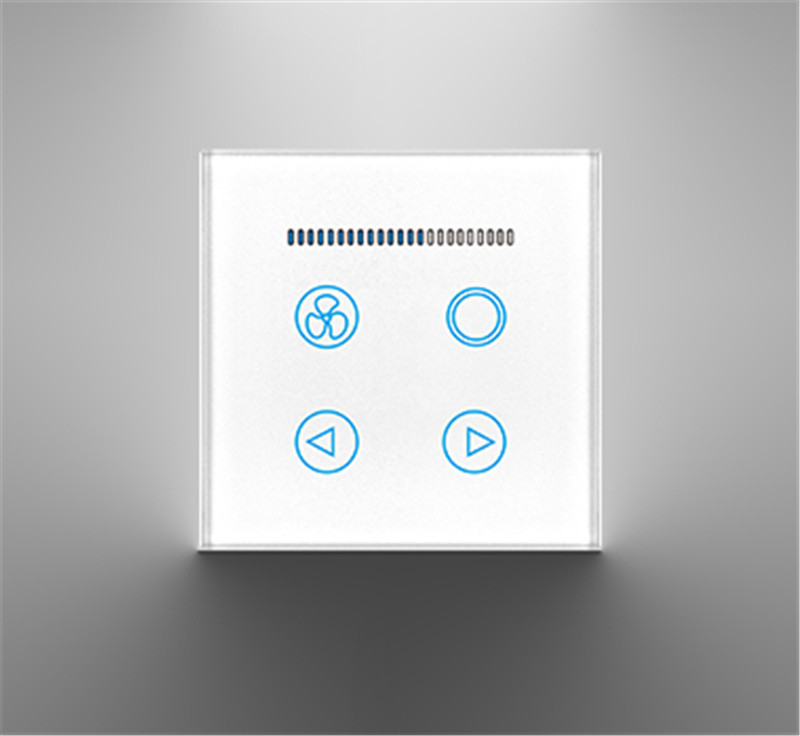
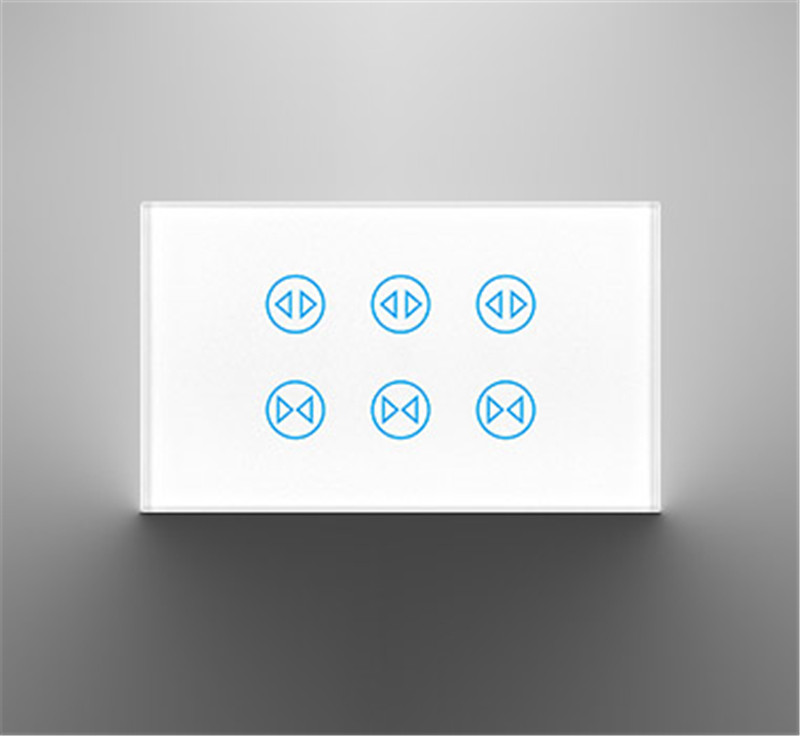
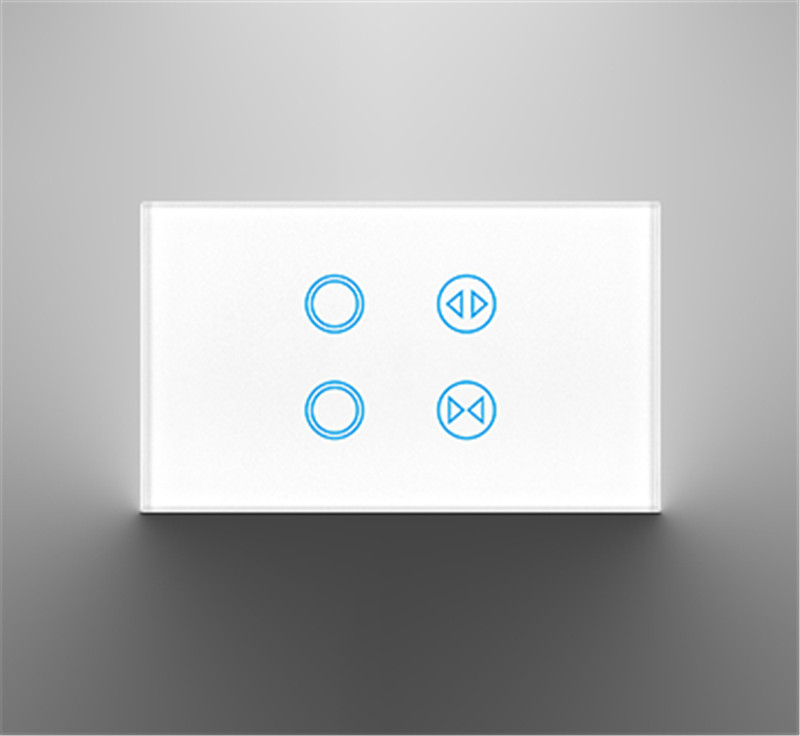
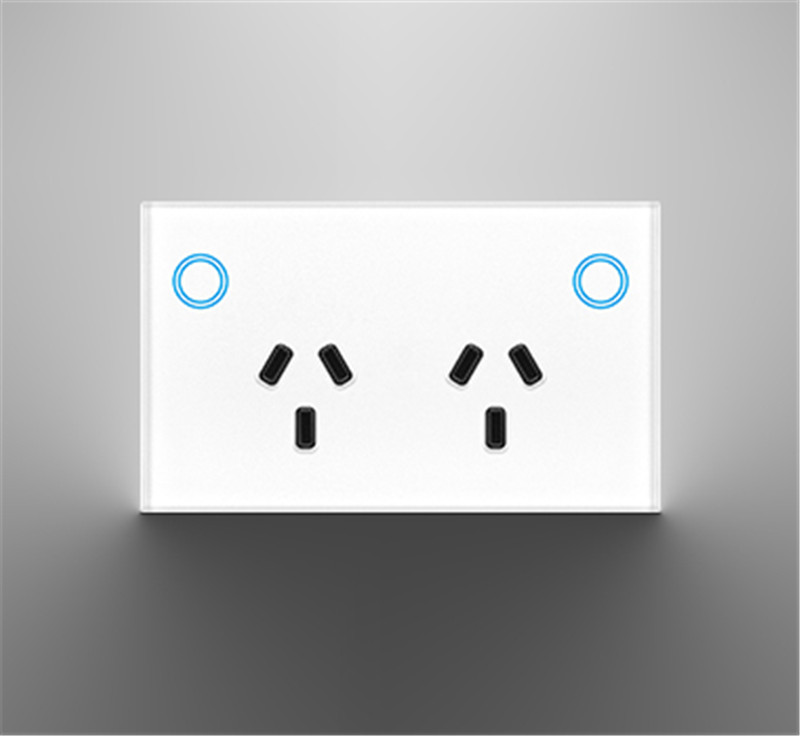
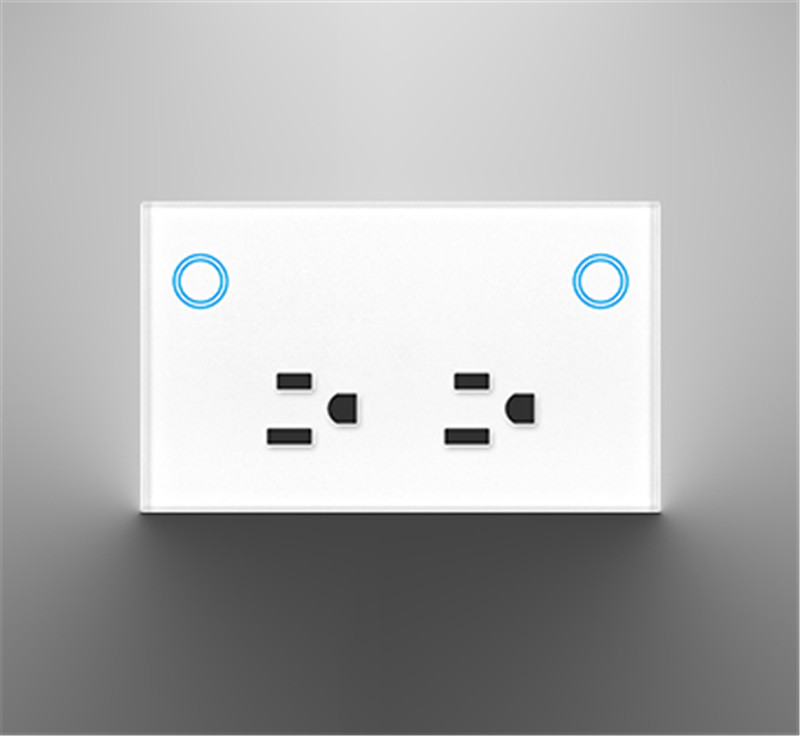
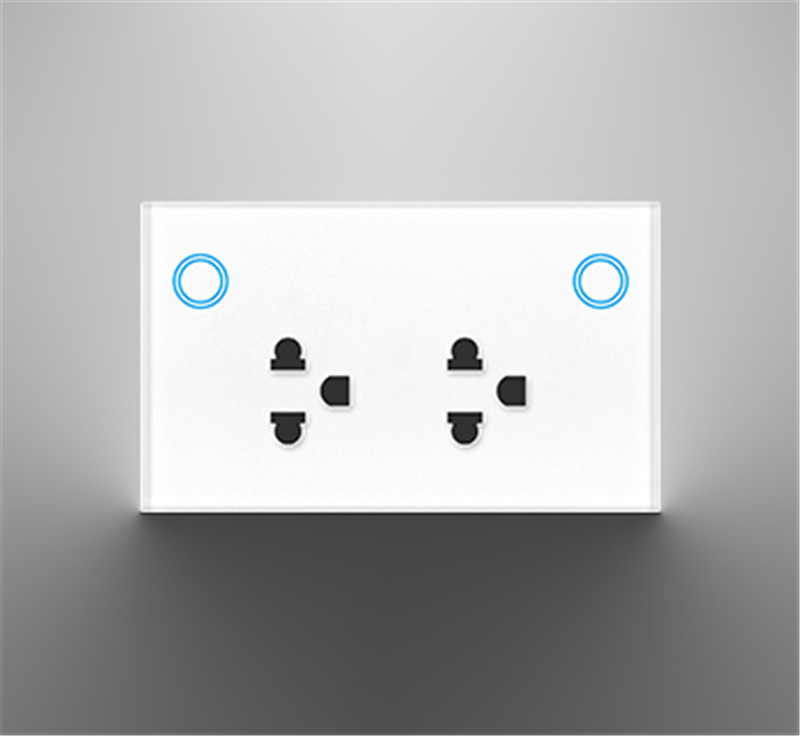
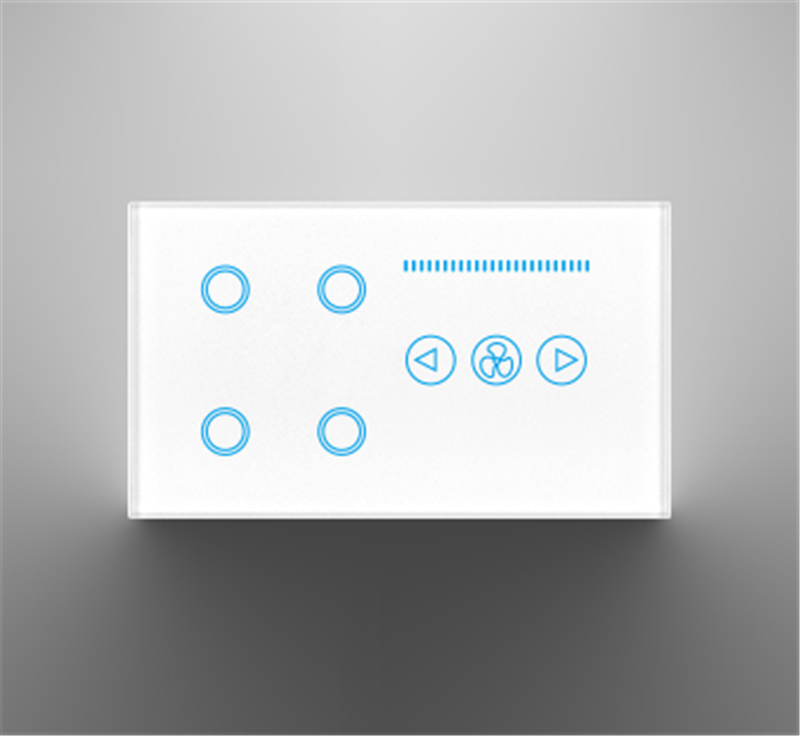
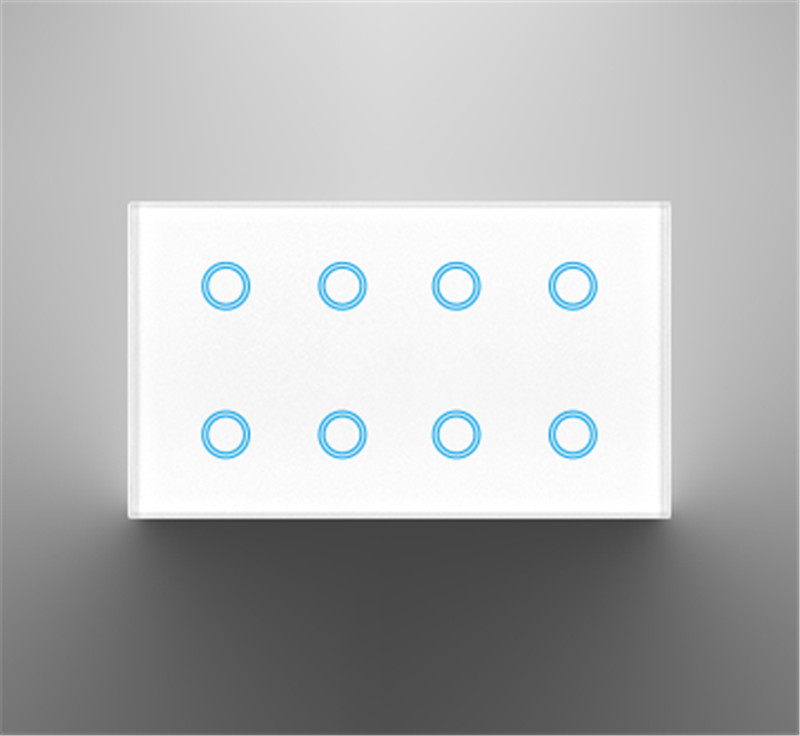
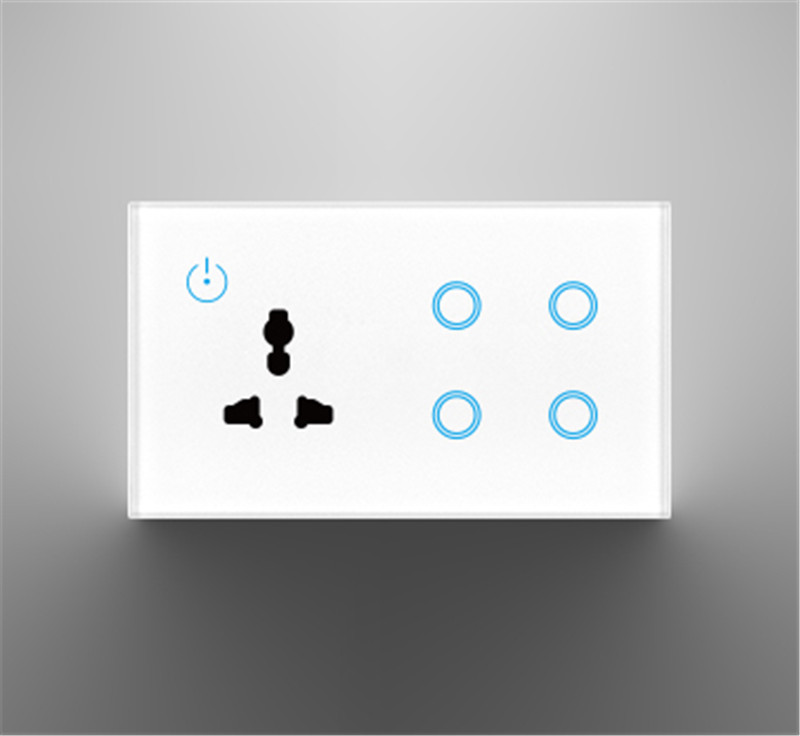
In simple terms, a smart light switch is a small computer that can be remotely controlled and integrated into a smart home system, replacing the physical on/off function of a traditional switch.
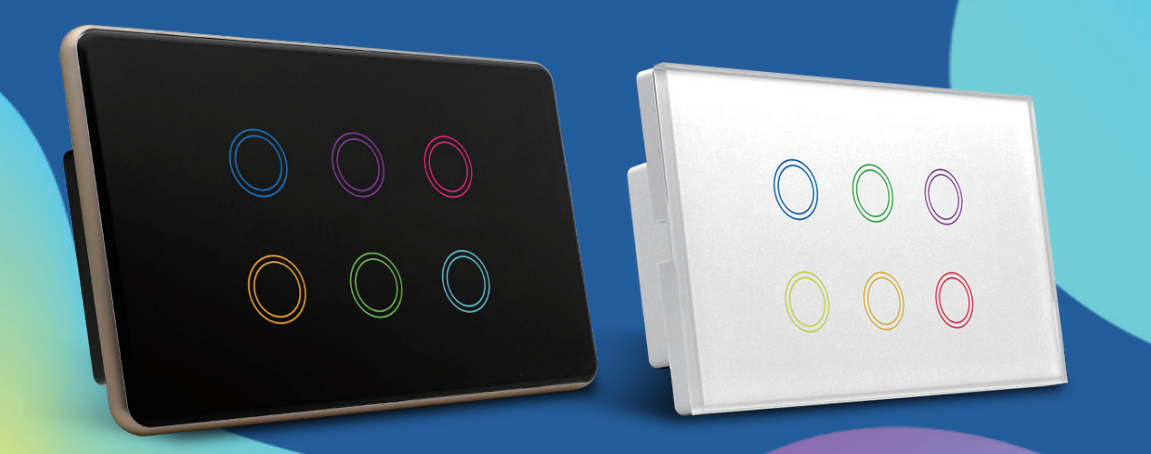
The core difference between it and a “smart bulb” is that a smart switch controls the circuit, while a smart bulb controls the bulb itself. This means that after installing a smart switch, you can usually use a regular, non-smart bulb.
Core Components and Working Principle
1.Switch Body: Hardware Structure
A smart switch integrates several key components:
Relay: This is the electronic component that actually “opens” and “closes” the circuit, equivalent to the mechanical rocker of a traditional switch, but it is controlled by electrical signals.
Microcontroller (Chip): The “brain” of the switch, responsible for processing all instructions and logic.
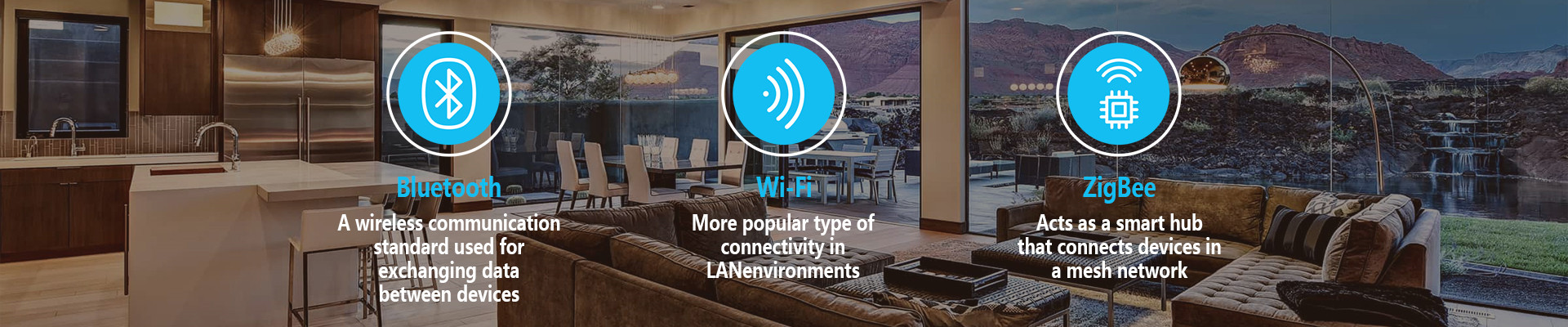
Wireless Communication Module: Enables the switch to connect to a network, typically supporting one or more of the following protocols:
Wi-Fi: Directly connects to the home router. Advantages: No additional gateway required, simple setup. Disadvantages: Multiple devices may consume Wi-Fi bandwidth; relies on the cloud.
Zigbee / Z-Wave: Requires a central gateway. Advantages: Low power consumption, fast response, forms a more stable local mesh network, and can perform automation locally even when the network is offline. Disadvantages: Requires an additional gateway purchase.

Bluetooth: Direct connection to mobile phone. Advantages: Simple. Disadvantages: Short range, remote control requires a Bluetooth bridge.
Power Circuit (Crucial): This is the key to the smart switch’s “always-on” capability. Most smart switches require a neutral wire.
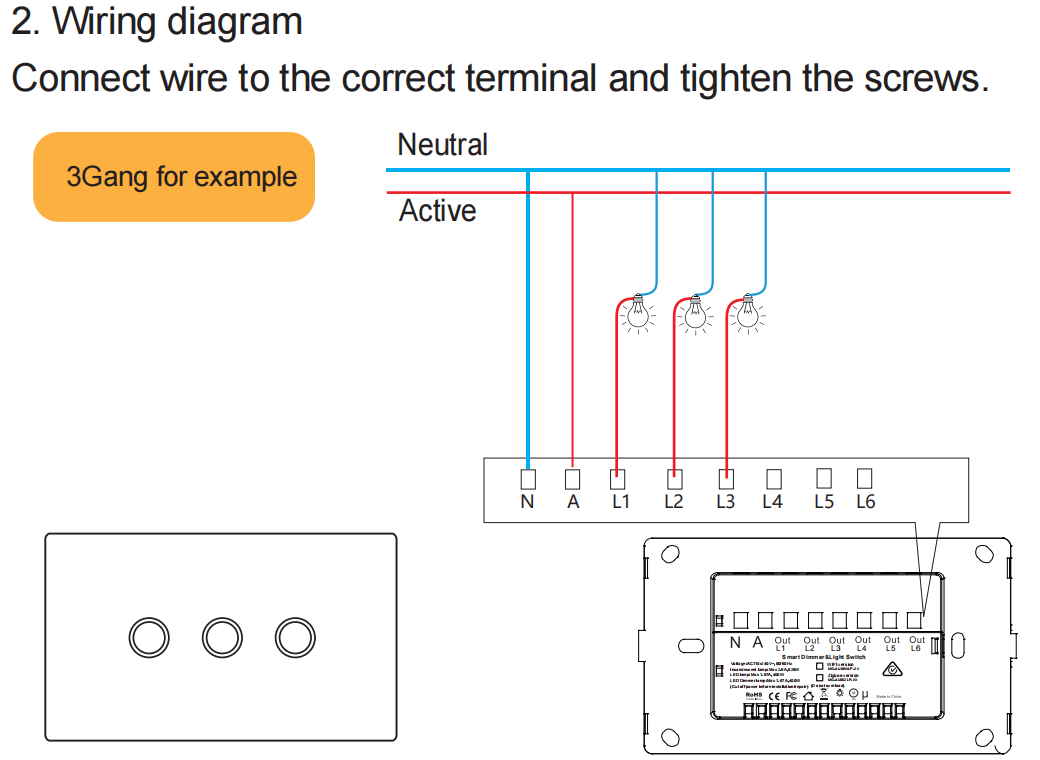
Why is a neutral wire needed? Traditional switches only need to disconnect or connect the live wire. However, the chip and wireless module of a smart switch require continuous power to remain online and await your mobile phone commands. The neutral wire provides this continuous current loop. Without a neutral wire, the switch will be completely powerless and “disconnected” when it is off.
No Neutral solutions: Some switches draw power by allowing a tiny current to flow through the filament, but this may cause some LEDs to produce a dim glow (ghost light) when off.
2. Control Methods: Human-Machine Interaction
You can interact with it in several ways:
Physical Operation: Directly press, touch, or slide the switch panel; the feel may be the same as a traditional switch.
Smartphone App: The core control method. It allows for on/off switching, dimming, setting timers, and status monitoring.
Voice Assistant: Control via voice using Tmall Genie, Xiao Ai, Baidu, Siri (via HomeKit), or Google Assistant/Amazon Alexa.
Automation and Linkage: Allows setting “if…then…” scenarios, such as: “Automatically turn on the lights if the door/window sensor opens,” “Automatically turn on the living room lights at sunset,” and “Automatically turn off the lights when no one is home.”
Workflow Example: Taking the most common Wi-Fi smart switch as an example, when you remotely turn on the lights using a mobile app:
Command Issuance: You open the mobile app at work and tap “Living Room Switch – On.”
Upload to Cloud: The app sends this command to the switch manufacturer’s cloud server via the internet.
Command Distribution: The cloud server finds your home router’s address and distributes the command to your home Wi-Fi router via the internet.
Local Reception: The router sends the command to the smart switch in standby mode via the local area network.
Action Execution: The switch’s microcontroller receives the command, drives the relay to engage, and connects the circuit.
Light On Feedback: Current flows, and the light illuminates. The switch typically sends an “on” confirmation signal back to the cloud and app to update its status.
For local operation (such as pressing a switch directly or voice control at home), the path is shorter and the response is faster. Devices using the Zigbee/Z-Wave protocol typically process automation commands at the local gateway, without needing to go through the internet, resulting in extremely high speed and unaffected by external network outages.
Key Considerations Before Installation and Use:
Wiring Check (Most Important!): Open your existing switch box and confirm that there is a neutral wire inside (usually blue or black). This is a prerequisite for installation. Older houses may not have one.
Protocol Selection:
For simplicity and fewer devices, choose Wi-Fi.
For building a stable smart home with many devices, Zigbee or Z-Wave (gateway required) is recommended.
Load Matching: Check the switch’s supported load types (LED lights, incandescent bulbs, etc.) and maximum power to ensure compatibility with your home’s lighting fixtures.
Multi-control/Dual-control Scenarios: If a light is controlled by two traditional switches (e.g., at opposite ends of a hallway), special configuration is required. Typically, a main smart switch is installed in one location, and a matching wireless wall-mounted switch (wireless scene switch) is installed in the other, with them linked wirelessly.
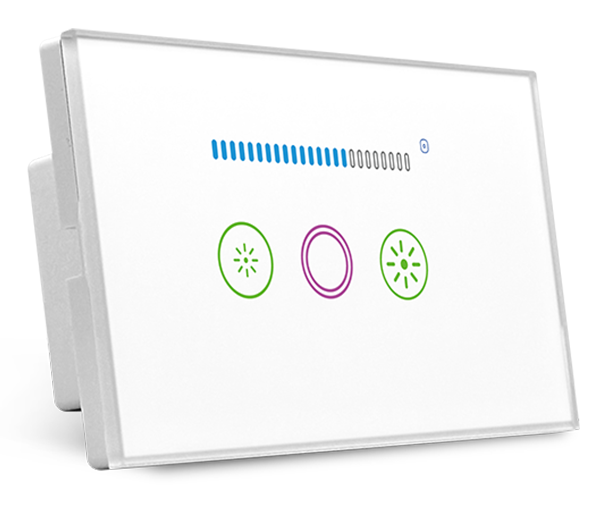
Dimming Required: If brightness adjustment is needed, a dedicated smart dimmer switch must be purchased, and its compatibility with your home’s lighting fixtures’ dimming protocol (e.g., TRIAC, 0-10V, etc.) must be confirmed.
Post time: Jan-14-2026


